Subnets
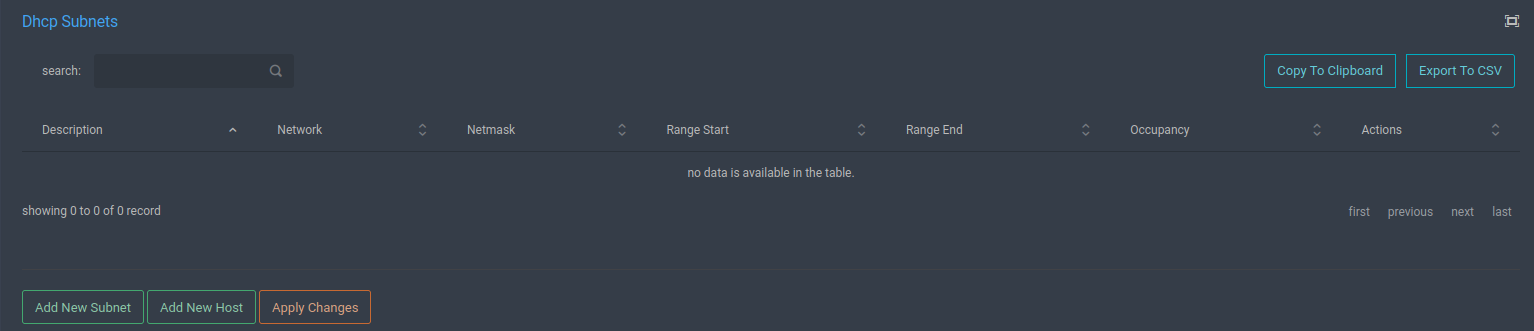
The subnets screen lists the available subnets defined in the DHCP service.
By clicking the [Edit] button, the relevant record is edited.
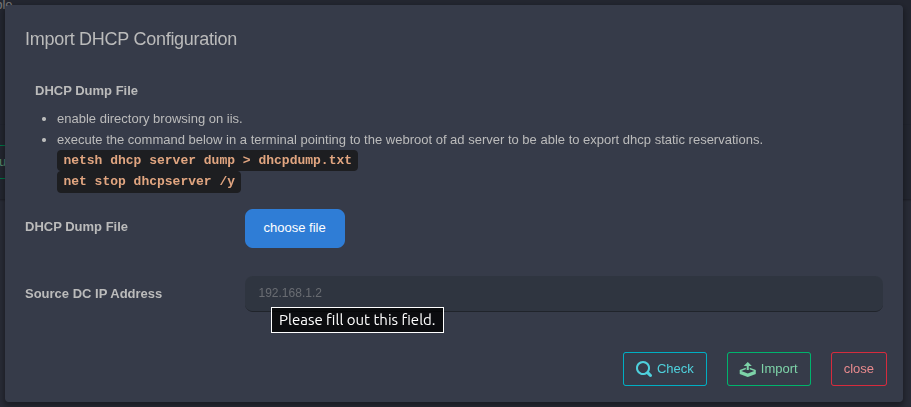
The [Import DHCP] button can be used to import a previously backed-up DHCP configuration file. After selecting and uploading the file, the [Check] button is used to verify whether the file is valid. After this check, the process is completed by clicking the [Import] button.
Warning
Configuration changes made in subnets will not take effect unless the [Apply Changes] button is pressed.